As digital natives, our smartphones, tablets, and smartwatches are more than just gadgets; they’re extensions of ourselves, holding our memories, work, and connections. Protecting these vital tools is paramount, and a screen protector is often the first line of defense. Among the vast array of options, the Ailun screen protector has carved out a significant niche, primarily due to its accessible price point. But does affordability equate to reliable protection? At PPICM.com, with over a decade in the screen protection field, we’re here to cut through the marketing noise and give you an honest look at what Ailun brings to your device.
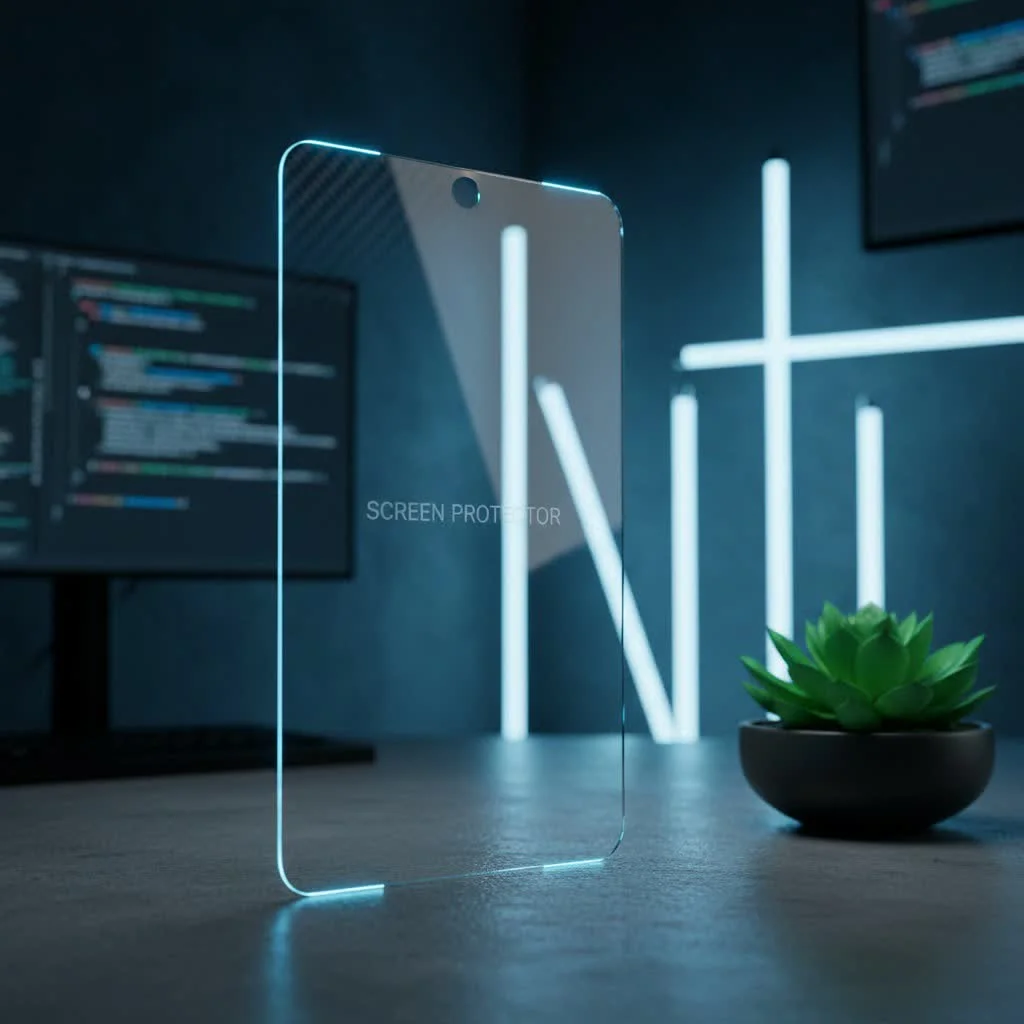
Understanding the Ailun Offering: Tempered Glass Essentials
When we talk about an Ailun screen protector, we’re almost exclusively discussing tempered glass. This material is a staple in the screen protection industry, known for its ability to withstand impacts and scratches far better than traditional plastic films. Ailun typically boasts a 9H hardness rating, which, in the Mohs scale of mineral hardness, means it can resist scratches from materials like knives and keys, offering a robust shield against daily wear and tear. For compare top screen protectors on this site.
The “budget-friendly” appeal of Ailun is undeniable. You’ll often find these protectors sold in multi-packs, sometimes including three or even more units, often bundled with camera lens protectors. This makes them a highly attractive option for users looking for economical protection for multiple devices or those who like to have spares on hand. It’s this balance of cost-effectiveness and readily available protection that drives its widespread popularity among consumers.
Key Features of Ailun Screen Protectors
Let’s break down the typical characteristics you can expect from an Ailun screen protector:
Material and Hardness: The Foundation of Protection
Ailun screen protectors are crafted from tempered glass, a material that undergoes thermal or chemical treatments to increase its strength. The common claim of 9H hardness signifies a strong resistance to scratching from everyday objects. While this hardness level is standard for quality tempered glass, it’s important to remember that it doesn’t make the screen protector invincible; extreme impacts can still cause cracking.
Hydrophobic and Oleophobic Coating: Fact vs. Fiction
Many Ailun product descriptions highlight a hydrophobic and oleophobic coating, designed to repel water and oil, reducing fingerprint smudges and making the screen easier to clean. However, real-world testing often reveals a mixed performance here. While some users report decent smudge resistance, others find the coating to be less effective or even “nonexistent,” leading to noticeable fingerprints and streaking. “A strong oleophobic coating is crucial for a smooth user experience,” notes Dr. Anja Sharma, PPICM’s Senior Material Scientist. “It not only keeps your screen cleaner but also maintains the tactile responsiveness of your device.”
Case-Friendly Design: A Double-Edged Sword
|
Our Picks for the Best Screen Protector in 2026
As an Amazon Associate I earn from qualifying purchases.
|
||
| Num | Product | Action |
|---|---|---|
| 1 | ESR Accessory Glass by Corning™ 3 Pack 9H+ Glass for iPhone 17 Pro Max Screen Protector, with AR Anti-Reflective Technology, Military Grade Shatterproof & Durable with UltraFit Tray |

|
| 2 | ESR 3 Pack for iPhone 16 / iPhone 15 Privacy Screen Protector, Anti-spy Tempered-Glass Privacy Screen Protector with Easy Installation Tool, Micro-Curved Edges, Case Friendly |
|
| 3 | ESR 3 Pack for iPhone 16 / iPhone 15 Screen Protector, [9H Hardness] [Military Grade Shatterproof] Full Coverage Tempered Glass Film with Easy Installation Tool, HD Clear, Scratch Resistant |
|
| 4 | ZAGG Glass+ Screen Protector for iPhone 15-3X Stronger with Reinforced Edges, Scratch & Smudge-Resistant Surface, InvisibleShield, Easy to Install |
|
| 5 | ESR 3 Pack for iPhone 17 Pro Max Privacy Screen Protector, Military Grade Shatterproof, 9H Hardness, Anti-spy Tempered Glass with UltraFit Tray |
|
| 6 | ZAGG Glass+ Screen Protector for Phone 15 Pro - 3X Stronger with Reinforced Edges, Scratch & Smudge-Resistant Surface, InvisibleShield, Easy to Install |
|
| 7 | ESR 3 Pack 9H+ Glass for iPhone 16 Pro Max Privacy Screen Protector, [Military Grade Shatterproof & Longest Durable] Armorite Anti-spy Tempered Glass with UltraFit Tray |
|
| 8 | ESR 3 Pack 9H+ Glass for iPhone 16 Pro Max Screen Protector, [Military Grade Shatterproof & Longest Durable] Armorite Ultra-Tough Tempered Glass with UltraFit Tray |
|
| 9 | ZAGG Glass+ Screen Protector for iPhone 16e/ 14/13/ 13 Pro - 3X Shatter Protection, High Scratch Resistance, Oil-Resistant, Reinforced Edges, InvisibleShield, Easy Install |
|
| 10 | ESR 3 Pack for iPhone 16 Pro Screen Protector, [9H Hardness] [Military Grade Shatterproof] Tempered Glass Film with Flawless Fit Tray, HD Clear, Scratch Resistant |
|
Ailun screen protectors are frequently marketed as “case-friendly.” This means they are intentionally designed to be slightly smaller than your device’s actual screen, leaving a small gap around the edges. On the one hand, this prevents the edges of your phone case from lifting and peeling the screen protector, a common issue with full-coverage designs. On the other hand, it means the very edges of your display remain exposed, potentially vulnerable to direct impacts or scratches, particularly if your case doesn’t have a raised bezel.
Installation Kit: Simplicity at its Core
One of Ailun’s strong points is its comprehensive installation kit, which typically includes everything you need for a straightforward application. Expect to find wet wipes for initial cleaning, dry wipes for drying, dust absorber stickers to pick up fine particles, and often an alignment frame. This frame is a game-changer for many, simplifying the process of perfectly positioning the protector and minimizing installation errors, a feature particularly appreciated by first-time installers.
Privacy Screen Protector Options
Beyond standard clear tempered glass, Ailun also offers privacy screen protectors. These specialized protectors incorporate an anti-spy filter that restricts viewing angles, meaning your screen is only visible to those directly in front of it. While great for maintaining confidentiality in public spaces, privacy protectors often come with a trade-off: a slight reduction in screen brightness and clarity, even for the direct viewer.
Camera Lens Protectors: An Added Bonus
Many Ailun multi-packs generously include camera lens protectors. This is a thoughtful addition, providing an extra layer of defense for your device’s sensitive camera lenses against scratches and minor impacts. For many, this bundle offers enhanced peace of mind without additional cost.
Installation Made Easy: A Step-by-Step Guide for Your Ailun Screen Protector
One of the reasons Ailun remains popular is its relatively simple installation process. Here’s how you can achieve a smooth, bubble-free application:
Step 1: Prepare Your Environment
Choose a clean, dust-free environment with good lighting. A bathroom after a hot shower (where steam has settled dust) can be surprisingly effective. Turn off your device to avoid accidental touches and better see dust particles.
Step 2: Clean the Screen Meticulously
First, use the provided wet wipe to thoroughly clean your device’s screen, removing all grease, grime, and smudges. Next, use the dry wipe to dry the screen completely, ensuring no moisture residue remains. Finally, use the dust absorber sticker. Gently dab the entire screen surface to pick up any remaining lint or dust particles. This step is crucial; even a tiny speck of dust can cause a noticeable bubble.
Step 3: Utilize the Alignment Frame (If Provided)
If your Ailun kit includes an alignment frame, place it snugly over your device. This frame acts as a guide, making perfect alignment almost effortless. Ensure it’s correctly oriented with cutouts for cameras or sensors.
Step 4: Apply the Screen Protector
Carefully peel off the protective film from the adhesive side of the screen protector. Avoid touching the adhesive surface with your fingers. With the alignment frame in place (or by carefully aligning it manually), gently lower the protector onto your device screen. Once it makes contact, press lightly in the center. The adhesive should begin to spread, and the protector will adhere automatically.
Step 5: Remove Any Remaining Bubbles
After the protector has largely adhered, you might notice small air bubbles. Use the provided squeegee (or a clean, lint-free cloth) to gently push these bubbles towards the edges of the screen. For stubborn bubbles, lift the nearest edge of the protector slightly with your fingernail and gently re-apply, pushing the bubble out as you go. Patience is key here.
Common Challenges and Troubleshooting with Ailun Protectors
Even with the easiest installation, issues can arise. Here’s how to tackle common problems with Ailun screen protectors:
Why do I keep getting air bubbles?
Air bubbles typically form due to dust trapped underneath the protector or improper application.
Solution: Ensure your screen is immaculate before application. Use the dust absorber meticulously. If a bubble persists due to dust, gently lift the corner closest to the bubble with sticky tape, use another dust absorber to lift the dust, and reapply. For bubbles without dust, firmly push them towards the nearest edge.
How can I avoid dust particles during installation?
Dust is the number one enemy of a perfect screen protector application.
Solution: Work in a humid environment (like a steamy bathroom). Clean your device and workspace thoroughly. Minimize air movement by closing windows and turning off fans. Work quickly but carefully after cleaning the screen.
Why doesn’t the Ailun screen protector cover my entire screen?
Ailun’s “case-friendly” design often means slightly less coverage.
Solution: This is usually by design and not a defect. Embrace it as a feature that prevents your case from peeling the protector. If full edge-to-edge coverage is a critical requirement for you, an Ailun protector might not be the ideal choice.
My screen looks smudgy and oily, even after cleaning. Is it the protector?
This points to a weak or worn-out oleophobic coating.
Solution: While you can’t restore a poor coating, regular gentle cleaning with a microfiber cloth can help. For more persistent oil, a very slightly damp cloth (with water) followed by a dry cloth can work. Avoid harsh chemical cleaners as they can damage the coating further.
Maintaining Your Ailun Screen Protector for Longevity
Even a budget-friendly protector deserves proper care to maximize its lifespan and effectiveness.
Regular Cleaning is Essential
Wipe your screen protector daily with a soft, lint-free microfiber cloth to remove fingerprints and smudges. For tougher grime, lightly dampen the cloth with water – never apply water directly to the screen.
Avoid Harsh Chemicals
Stay away from ammonia-based cleaners, alcohol, or abrasive materials. These can strip away any existing oleophobic coating and potentially damage the protector’s integrity.
Know When to Replace It
Screen protectors are sacrificial layers. If your Ailun protector shows significant scratches, cracks, or chips, it has done its job absorbing damage that would otherwise hit your device’s screen. Ailun often comes with a 24-month free replacement warranty, so check your packaging. Replacing it promptly ensures your device remains protected.
The Verdict: Is an Ailun Screen Protector Right for You?
As a long-standing expert in screen protection, my perspective on Ailun screen protectors is nuanced.
Pros:
- Exceptional Affordability: Without a doubt, Ailun offers tremendous value, especially with multi-packs.
- Easy Installation: The inclusion of alignment frames and comprehensive kits makes installation surprisingly simple for most users.
- Basic Impact & Scratch Protection: The tempered glass provides a solid barrier against everyday scratches and offers a good degree of impact absorption for minor drops.
- Added Value: The frequent inclusion of camera lens protectors is a definite bonus.
Cons:
- Variable Clarity & Oleophobic Coating: This is where Ailun often receives criticism. Some users experience a noticeable drop in screen clarity and a very weak or absent oleophobic coating, leading to more fingerprints and glare.
- Limited Coverage: The “case-friendly” design means edges are often exposed, which might not suit everyone’s protection preferences.
- Edge Durability: While the glass itself can be robust, the flat, unfinished edges can sometimes be more prone to chipping compared to protectors with rounded or beveled edges.
Ultimately, choosing an Ailun screen protector depends on your priorities. If you’re looking for an incredibly affordable, easy-to-install solution that provides basic, reliable scratch and impact protection without breaking the bank, Ailun is a compelling option. It’s perfect for those who want peace of mind for their screen without investing heavily. However, if crystal-clear visual performance, a premium feel, and superior smudge resistance are non-negotiable for you, then exploring higher-end screen protectors might be a more suitable path. At PPICM.com, we believe that informed choices lead to confident users, and understanding these trade-offs is key to protecting your digital life effectively.
Frequently Asked Questions (FAQ)
What is the hardness of Ailun screen protectors?
Ailun screen protectors are typically rated at 9H hardness on the Mohs scale, indicating strong resistance to scratches from common objects like keys and coins.
Does an Ailun screen protector affect touch sensitivity?
Generally, no. Modern tempered glass screen protectors like Ailun are designed to be thin enough not to significantly interfere with your device’s touch sensitivity or responsiveness.
Are Ailun screen protectors easy to install for beginners?
Yes, Ailun screen protectors are generally considered very easy to install, especially because most kits come with an alignment frame, wet wipes, dry wipes, and dust absorbers, simplifying the process for first-time users.
Do Ailun screen protectors come with a warranty?
Many Ailun products offer a warranty, with some sources mentioning up to a 24-month free replacement policy for damaged protectors. It’s always best to check the specific product packaging or listing for warranty details.
How do I remove bubbles from my Ailun screen protector?
To remove bubbles, use a squeegee or a clean, soft cloth to gently push them towards the nearest edge of the screen. If a bubble is caused by a dust particle, carefully lift the nearest edge of the protector with sticky tape, use a dust absorber to remove the speck, and reapply.
Conclusion
Navigating the world of screen protectors can be overwhelming, but understanding options like the Ailun screen protector empowers you to make the best decision for your device and your wallet. While Ailun might be a budget champion, its core strength lies in providing accessible, easy-to-install tempered glass protection against everyday hazards. We hope this comprehensive guide from PPICM.com helps you confidently choose and effectively maintain your screen protector, ensuring your devices stay safe and sound. Share your Ailun experiences with us; we’re always eager to hear from our community!
Get our weekly buyer guide
Practical specs, not advice. Unsubscribe anytime.
